Mudbourn's Minecraft Server

Fabric (Java Edition) 1.21.11
NOTE:
MMS uses a whitelist system. Please join the
Discord server
to link your
Minecraft account and gain access to the
Minecraft server.
Additionally,
Minecraft
accounts can only be linked to Discord accounts that are
currently
IN the server. Being banned from this Discord
server will unlink your account,
effectively banning you from
the Minecraft server as well.
Additionally, I often
back up the file containing Minecraft UUIDs and their
corresponding
Discord user IDs.
Please do not try to ban evade, or break the rules in this
Discord server.
Client Setup Guide
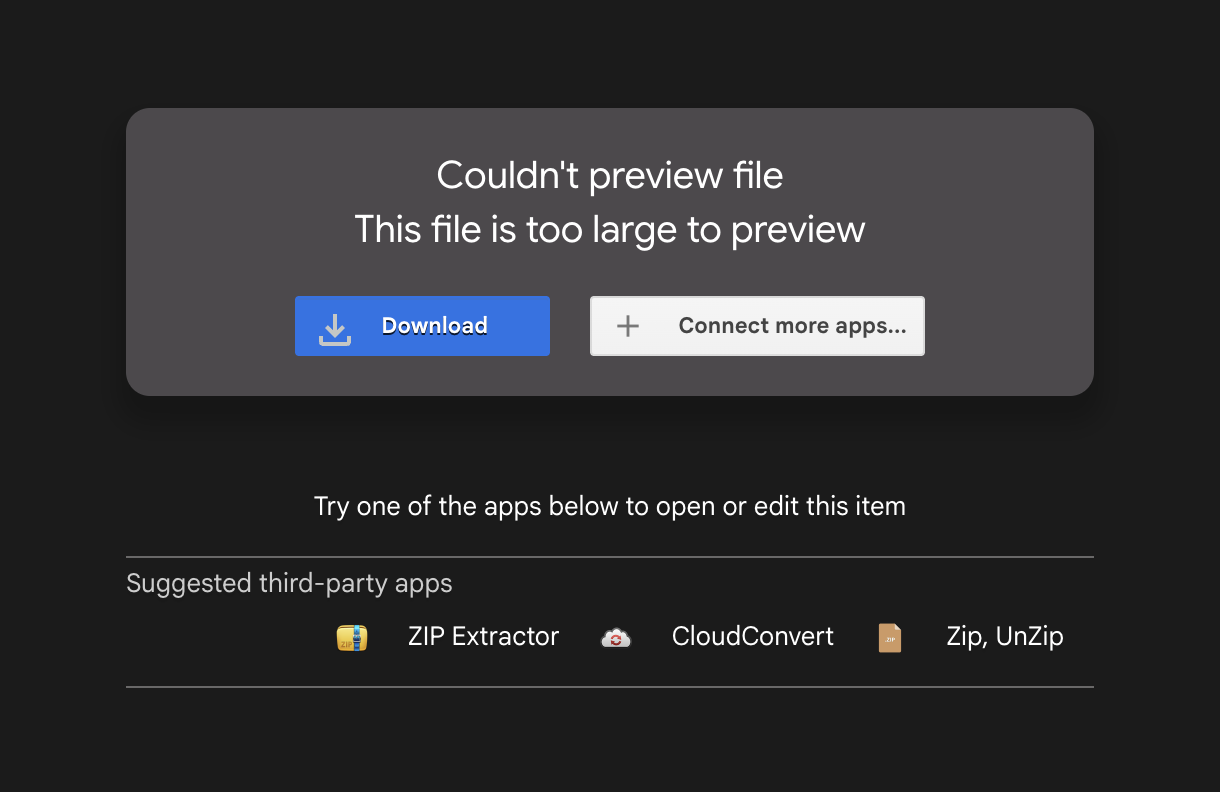
Download the Instance file for ATLauncher found on this Google Drive folder.
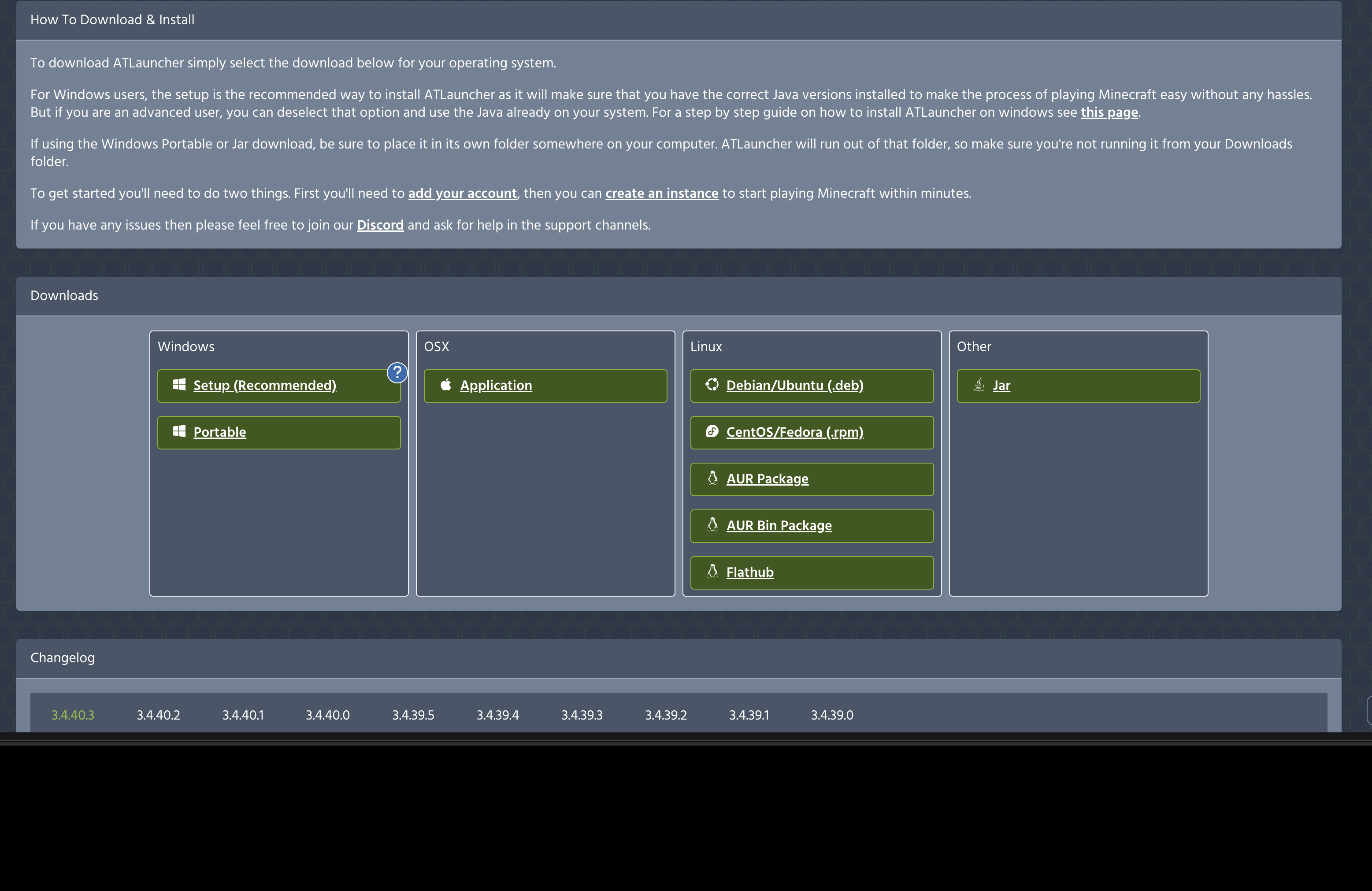
Download ATLauncher for your device from the ATLauncher Official Website.
Open ATLauncher and click "Accounts" on the right to log
into your Microsoft account.
ATLauncher requires you
to do this to continue, so no pirated versions of the game will
not work.
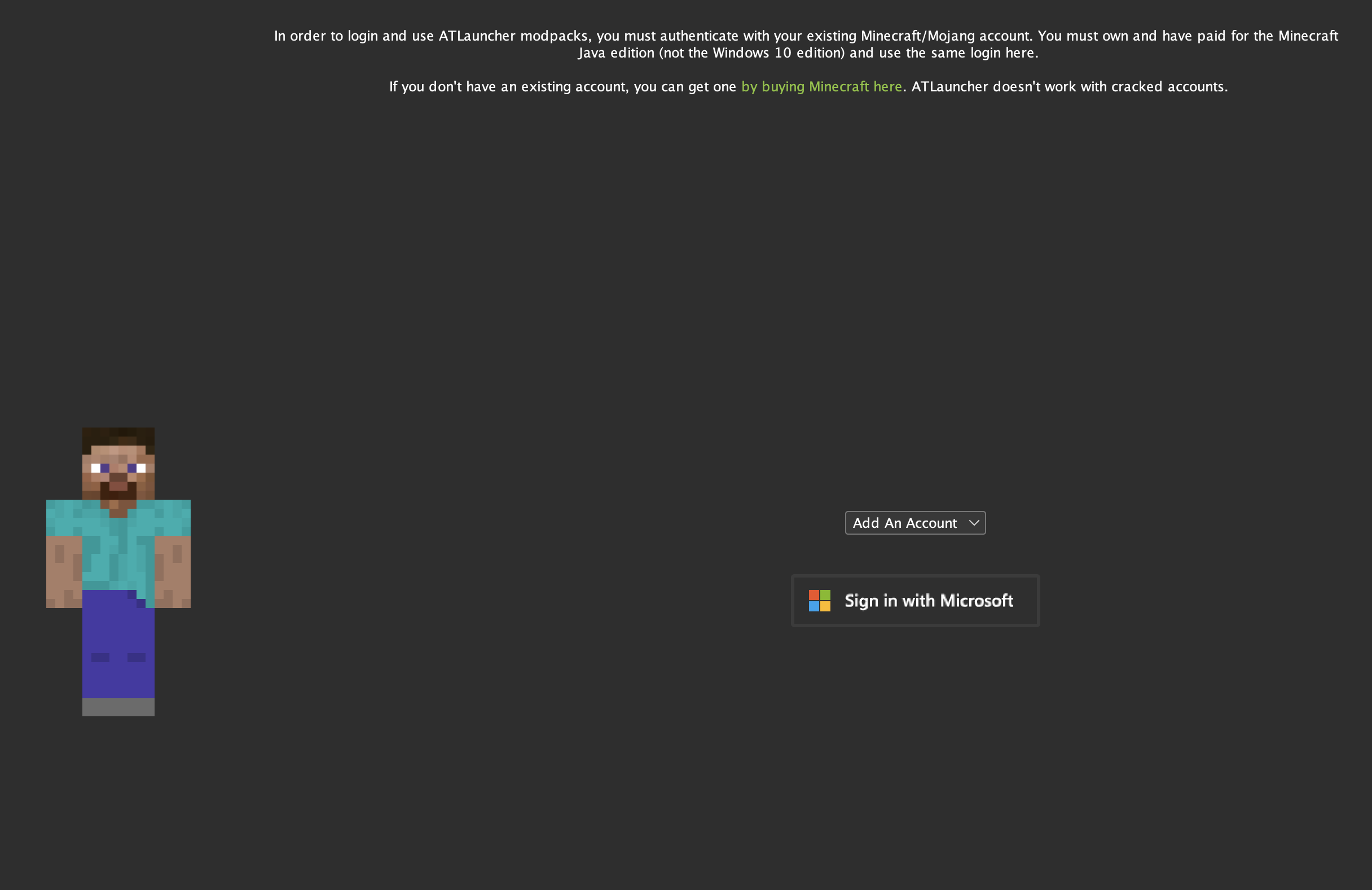
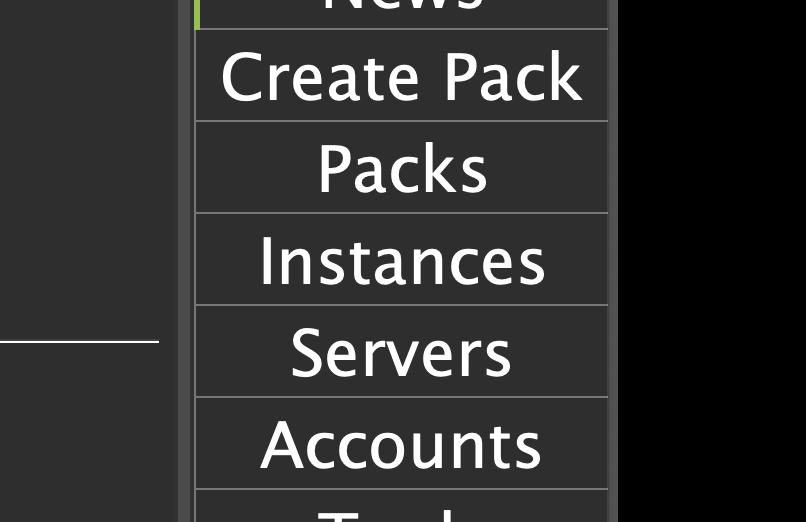
Once logged into your account, click "Instances" on the right.
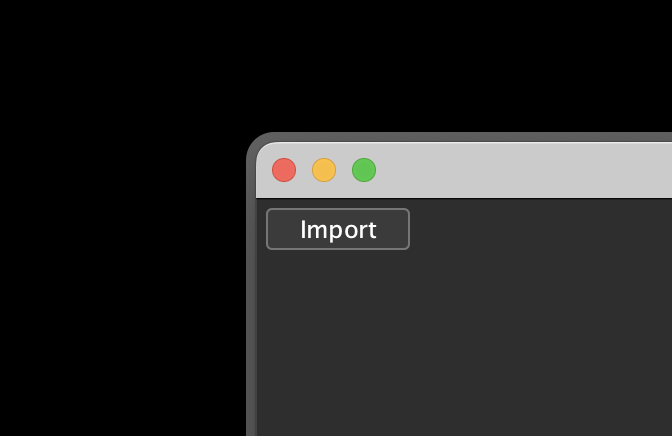
Find the "Import" button on the top left and import the
instance you downloaded from
earlier via the
"Browse" option.
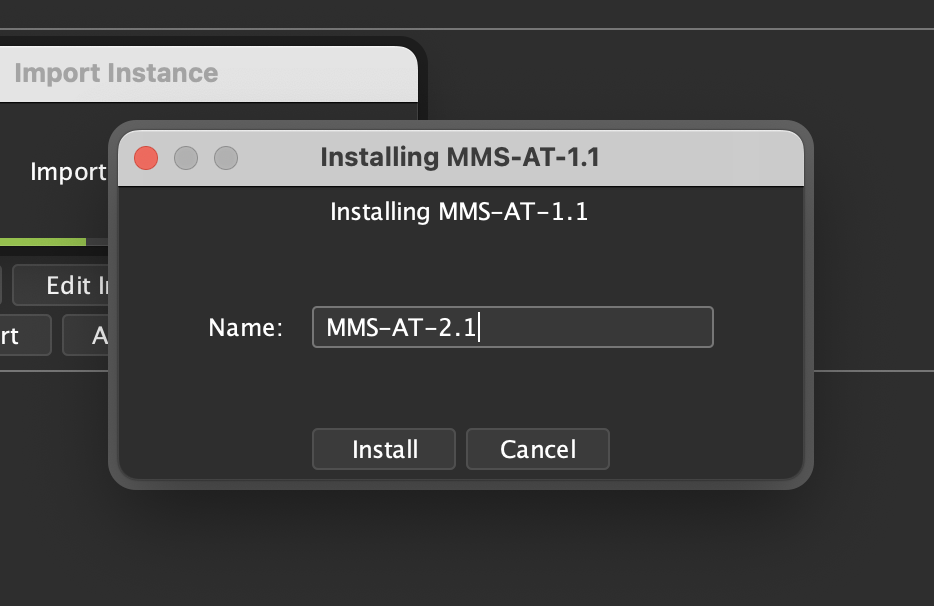
You should probably name the instance the same thing the zip file
you imported was named excluding the ".zip" part, but
feel free to name it anything as long as you can remember what
version of the server your instance was created for. This
will be important for updates.
Click "Play", then find the server and join it from the
"Multiplayer" button in the main menu.
You will see
a message like this. Remember your code, and go to the Discord
server as
mentioned earlier.
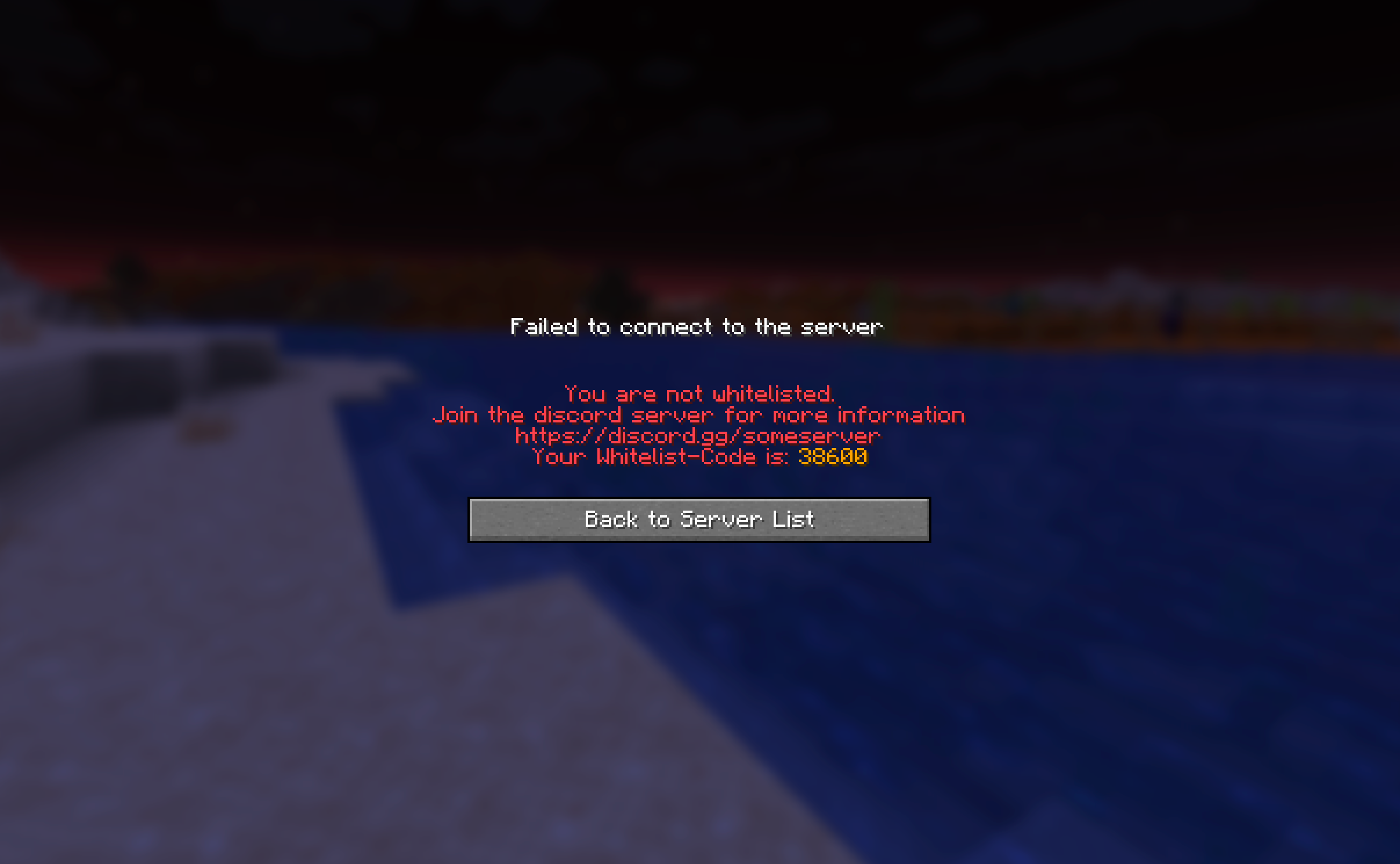
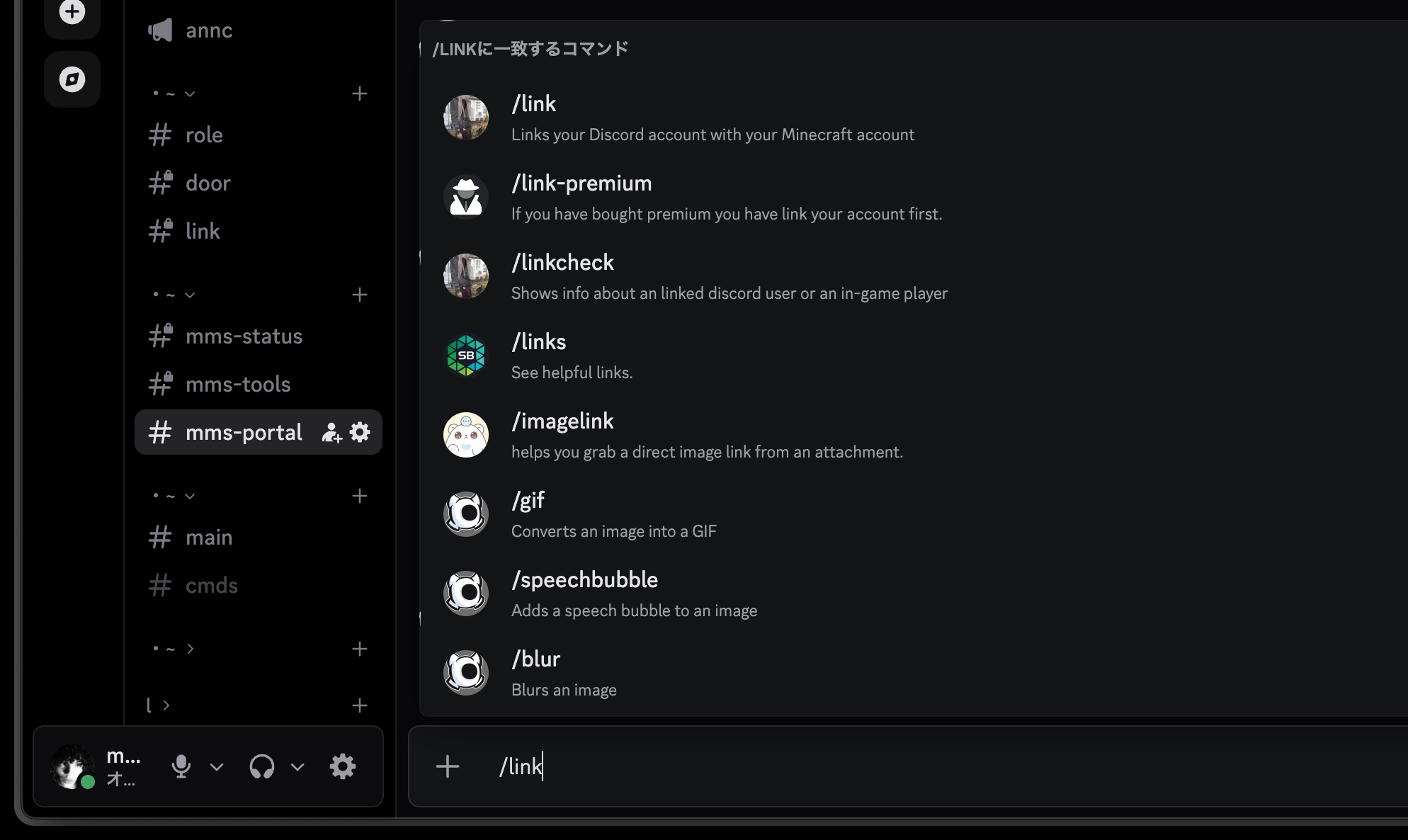
Gain access to the server by verifying, then navigate to the
"mms-portal" channel.
Type "/link "
followed by your code from Minecraft and link your accounts.